


1
Log in to your invoicefetcher® account. Start the connection process under “Apps – WISO MeinBüro” and click on “Connect”.
2
Log in to your WISO MeinBüro account and click on “Activate now”.
3
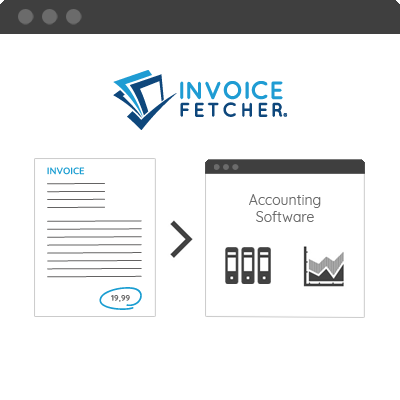
Once fully set up, invoicefetcher® transfers your invoices to WISO MeinBüro every 30 minutes.
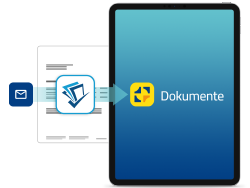
WISO MeinBüro is a cloud application including a mobile app (iOS & Android). It supports freelancers and companies in digitizing, managing, and archiving documents and receipts.
Sounds good? Test WISO MeinBüro now
invoicefetcher® imports your incoming invoices from emails and online portals and automatically transfers them to WISO MeinBüro every 30 minutes for further processing. There, you can categorize your incoming invoices, pay them via EPC QR code, and pass them on to your tax consultant with just a few clicks.
WISO MeinBüro offers comprehensive software solutions for various office routine areas, specifically tailored to the needs of freelancers and SMEs.
Create legally compliant quotations, invoices, orders, and delivery notes with just a few clicks. Online banking, preparatory accounting, and mobile app (iOS & Android) included.
A comprehensive offline solution for your entire order processing including online banking, preparatory accounting, taxes, and inventory management. Optional cloud extension.
Digitize documents and receipts via mobile app (iOS & Android) and safely archive them online. With just a few clicks, you can transmit relevant documents to your tax consultant.
Manage your employees in your internet browser: digital personnel file, time tracking, vacation planning, travel expense accounting, and preparatory payroll accounting.
For tax consultants: Communicate and work with your clients and case workers in a GDPR-compliant manner on a central online platform.

We transfer the invoice as a PDF and the following meta data to WISO MeinBüro:
Once the invoices have been transferred to WISO MeinBüro via invoicefetcher®, they are automatically stored in the central document archive. They are assigned the tag "invoicefetcher," allowing you to easily filter for them.